SIPTV Method
Visit the SIPTV activation website to upload your M3U playlist:
https://siptv.app/mylist/Visual Setup Guide
1
Install the 'Smart IPTV' app from your TV's app store.
2
Find the MAC Address on your screen.
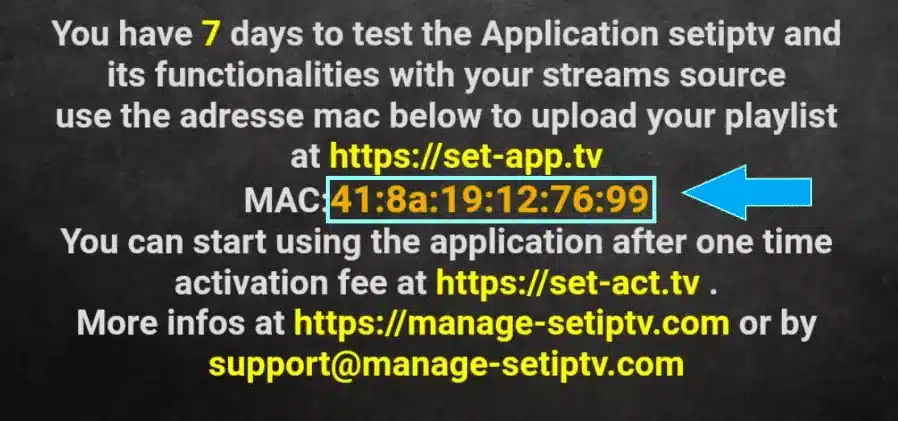
3
Go to siptv.app/mylist on your phone or computer.
4
Enter your MAC Address and the M3U URL we provided.
5
Restart the app on your TV to load the channels.